

Families, teachers, tutors, and youth leaders are looking for learning experiences that feel active, useful, and memorable. A well-planned activity gives learners something to build, test, explain, or improve.
For projects that combine physical materials with digital exploration, caregivers can shop best science kits for kids at Abacus Brands and use the materials as one part of a larger learning experience.
The goal is not to replace real-world learning with a screen. Instead, immersive technology can add context before learners take action.
A virtual visit, simulation, or digital overlay may help a child visualise an unfamiliar place or process, while a hands-on project gives that child a practical way to apply what they noticed.
Jump to:
- Why This Learning Model Matters
- What Hands-On Learning Adds
- What Immersive Technology Adds
- How the Two Approaches Work Together
- Choosing the Right Tool for the Lesson
- Designing a Balanced Activity
- Keeping Learners Safe and Included
- How to Measure Learning Beyond Screen Time
- Common Mistakes to Avoid
- Conclusion: Use Technology as a Bridge
Key Takeaways
- Hands-on projects let learners test ideas through action.
- Immersive tools can make distant, complex, or hard-to-see concepts easier to explore.
- The strongest activities connect digital discovery to a physical task.
- Technology should serve a clear learning goal rather than become the activity itself.
- Simple planning makes immersive learning safer, more inclusive, and easier to assess.
Why This Learning Model Matters
Passive screen time can capture learners' attention without necessarily requiring them to make decisions or solve problems.
By contrast, active learning invites them to observe, try, revise, and talk through their reasoning. This matters whether the setting is a classroom, a kitchen table, a library program, or an after-school club.
Immersive tools are most useful when they answer a specific need. A learner may be able to examine a coral reef, travel through the solar system, rotate a three-dimensional shape, or view the inside of a volcano.
The next step should be tangible: build a model, map an idea, conduct an experiment, or explain a prediction to someone else.
What Hands-On Learning Adds
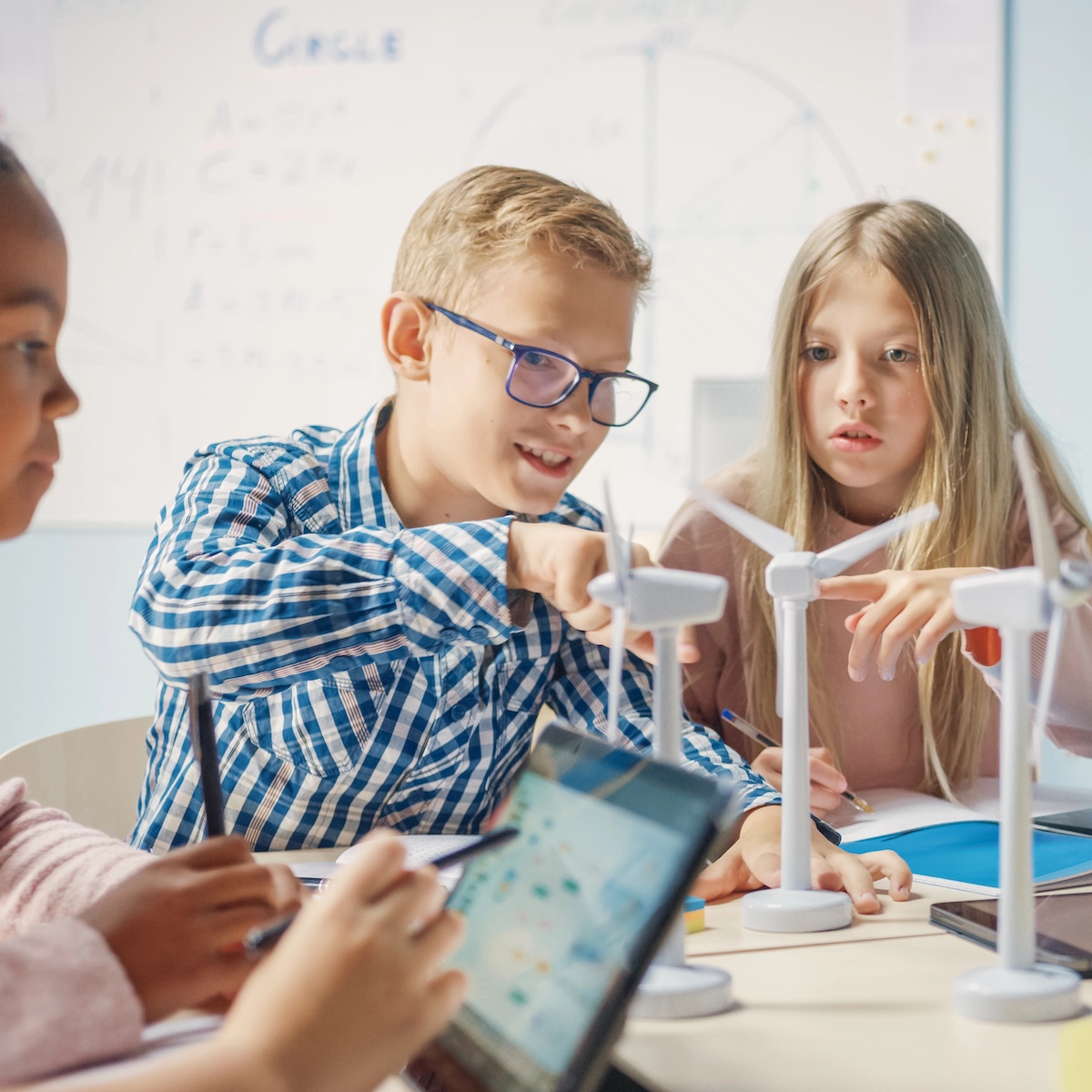
Physical activities make abstract ideas visible. Building a bridge from craft materials, planting seeds, assembling a simple circuit, or testing which paper shape holds the most weight requires learners to connect a plan with an outcome.
When the result is unexpected, they have a reason to ask better questions and try again.
- It turns ideas into visible results.
- It gives learners room to make and correct mistakes.
- It supports conversation, teamwork, and shared problem-solving.
- It gives adults a clear way to see how a learner is thinking.
What Immersive Technology Adds
Augmented reality overlays digital labels, images, or animations onto a view of the physical world.
Virtual reality places the learner inside a computer-generated environment, usually through a headset or screen-based viewer.
Both can help learners explore scale, movement, location, and perspective in ways that a flat page may not show as easily.
These tools can be especially helpful for subjects such as geography, space, anatomy, engineering, history, and ecosystems.
They can also create a controlled way to preview locations or processes that would be difficult, expensive, distant, or unsafe to experience directly.
Education conferences, including hosted activities at ISTELive 26, reflect the continuing conversation about how technology can support active learning without taking focus away from the lesson.
How the Two Approaches Work Together
A useful blended activity follows a simple cycle:
- Ask: Start with a question or a real-world problem.
- Explore: Use an immersive tool to observe, compare, or investigate.
- Build: Complete a physical task connected to the discovery.
- Test: Check whether the model, experiment, or solution works.
- Reflect: Discuss what changed, what failed, and what to try next.
For example, learners might explore an ocean habitat digitally and identify producers, consumers, and predators.
They could then create a physical food web with cards, string, recycled materials, or drawings.
Removing one organism from the model creates a concrete prompt for discussing how changes can affect an ecosystem.
Choosing the Right Tool for the Lesson
Not every lesson needs an app, headset, or digital overlay. The better question is not, “How can technology be added?” It is, “What part of this learning goal would technology make clearer?”
If the answer is unclear, a book, a diagram, a conversation, or a physical demonstration may be the better choice.
- Use physical materials when learners need to build, move, measure, or manipulate objects.
- Use augmented reality when labels, animation, or extra visual context would help.
- Use virtual reality when distance, safety, or scale makes direct experience impractical.
- Use print resources and discussion when they explain the idea simply and effectively.
Designing a Balanced Activity
A Practical Planning Framework
- Write one skill or idea learners should understand by the end.
- Choose one digital feature that directly supports that goal.
- Prepare physical materials before device time begins.
- Set a short, clear limit for the digital portion.
- End with an explanation, drawing, demonstration, or reflection question.
Keeping the technology segment focused helps prevent the activity from becoming a passive viewing session.
A short exploration, followed by a longer period of making, testing, and discussing, often creates more opportunities for learners to demonstrate what they understand.
Keeping Learners Safe and Included
Prepare a clear walking area, supervise shared devices, clean equipment between users, and choose age-appropriate content.
Some learners may be uncomfortable with motion-heavy virtual experiences, bright visuals, headphones, or headset use. Others may need more time to process instructions or prefer a partner role.
Offer meaningful alternatives without treating them as lesser options. A learner might view the experience on a tablet, use printed images, watch a short video, or work from a physical model.
Participation matters more than having every learner use the same device in the same way.
How to Measure Learning Beyond Screen Time
A fun digital experience does not automatically demonstrate understanding.
Look for evidence in what learners can explain, build, revise, or predict after the activity.
A systematic review of immersive virtual reality in education found promising learner outcomes but also noted limitations in the available evidence, a helpful reminder to judge any tool by the learning it supports rather than its novelty.
- Can the learner explain the main idea in simple words?
- Can the learner connect the digital experience to the physical task?
- Can the learner identify a mistake or unexpected result?
- Can the learner suggest a change and explain why it may help?
Common Mistakes to Avoid
- Using technology without a clear learning purpose.
- Making the digital experience too long or difficult to follow.
- Giving instructions only through a device.
- Ignoring learners who need a non-immersive option.
- Measuring success by excitement instead of understanding.

Conclusion: Use Technology as a Bridge
Immersive technology is most valuable when it leads learners back to action, conversation, and real-world problem-solving.
A strong activity does not require the newest device. It requires a clear purpose, active participation, and time to think.
When digital discovery and hands-on practice work together, learners gain a better way to ask questions, test ideas, and explain what they see.




Leave a Reply