

Finding the right printer for a photography business is not only about colour accuracy but also about workflow, running costs, and long-term reliability.
The Canon ImageProGraf Pro-310 has received mixed praise from studio professionals, artists, and advanced hobbyists.
After studying what users are reporting and comparing these experiences with what matters in day-to-day practice, this review offers a balanced, practical look at whether the Pro-310 deserves a place in your creative toolkit.
In this review, I am focusing on what people have genuinely experienced over the long term, how those insights translate into real business value, and how running costs differ when you print for clients rather than for occasional home use.
Jump to:
- Build Quality and Design, What Photographers Are Saying
- Colour Accuracy and Print Quality, Real Feedback from Working Creatives
- Ease of Use and Workflow, Daily Experience from Photographers
- 🤖 Looking For An Answer?
- Ink Costs and Running Costs for a Photography Business
- New Zealand Dollar Costs for Photographers in NZ
- Paper Compatibility and Media Performance
- Long-Term Reliability and User Concerns
- FAQ'S
Build Quality and Design, What Photographers Are Saying
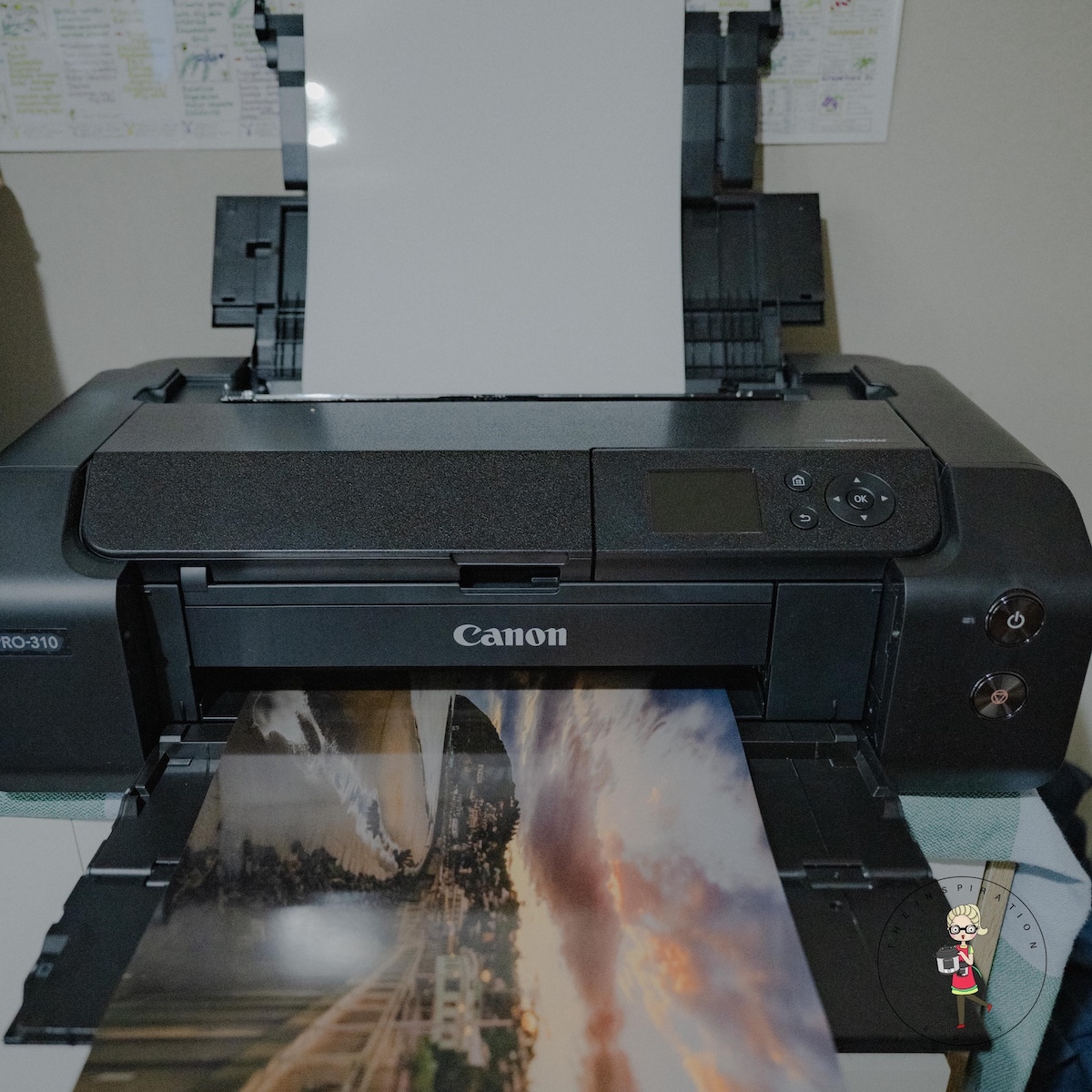
If there is one theme that runs through user feedback, it is that the Pro-310 feels sturdy and well-engineered.
Canon has always been confident with the physical quality of its pro line printers, and the Pro-310 is no exception.
Many photographers describe it as reassuringly robust, the sort of device that looks ready to handle high volume and great detail work without rattling itself apart after a few months.
The footprint is large, although not excessively so for a wide-format printer.
For a small studio or a creative home office, you will need a dedicated table or stand with decent depth.
Users speak positively about the front-fed media path, which reduces bending stress on fine art papers, and the general ease of switching between sheet media and roll paper.
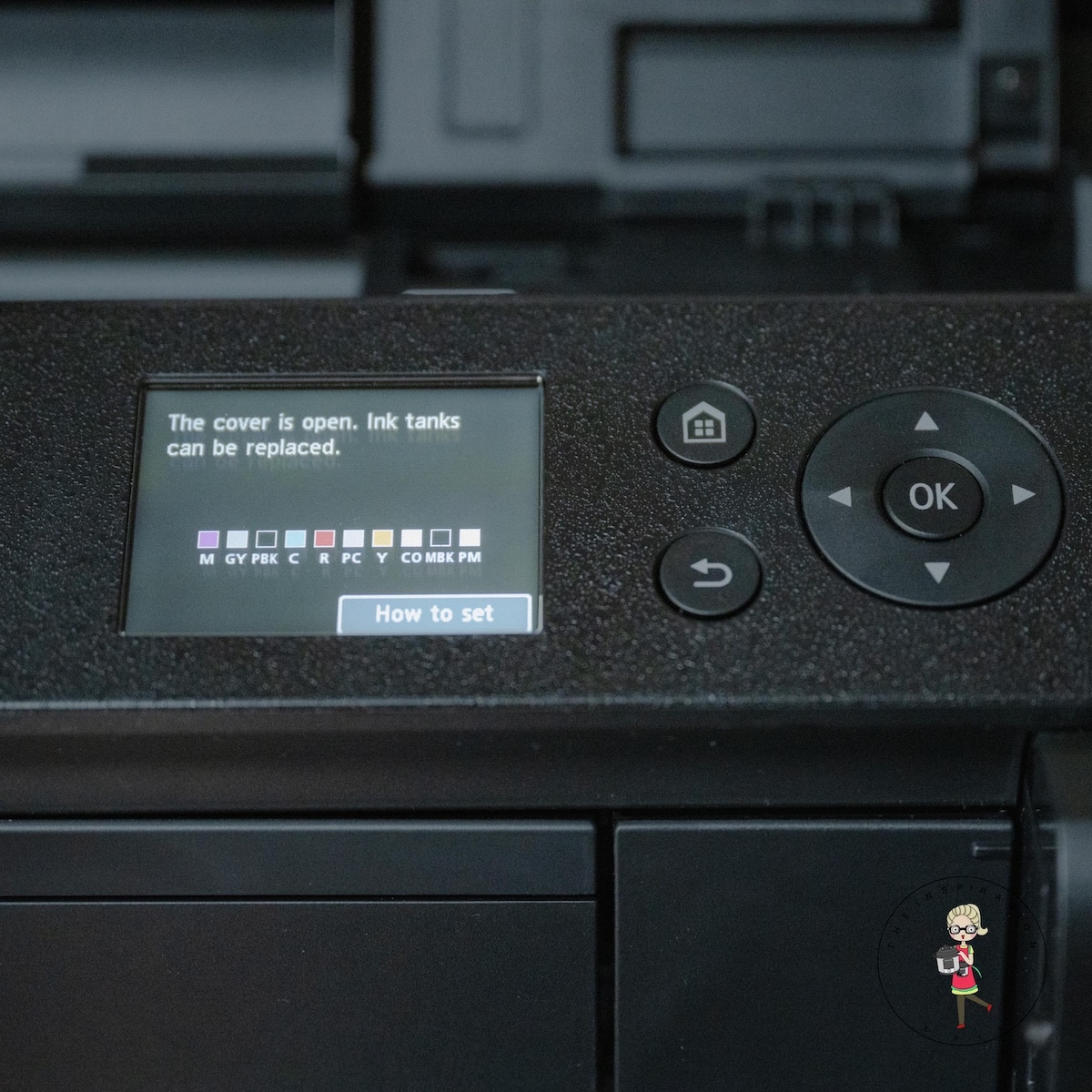
The touchscreen controls are straightforward. Several reviewers mention that they rarely use the onboard menu once the printer is connected to a desktop or laptop, but the controls remain helpful for quick checks, cleaning cycles, and ink level inspections.
Didn't find the answer you're looking for?
Ask AI if this post answers your question.
Colour Accuracy and Print Quality, Real Feedback from Working Creatives
Canon’s ImageProGraf Professional Printers are built around colour fidelity. In practice, the Pro-310 maintains this reputation extremely well. Across user reports, the strongest praise focuses on:
- Smooth tonal transitions in portrait work
- Deep blacks with minimal bronzing, even on matte papers
- Excellent shadow detail retention
- Highly predictable results when using Canon papers and ICC profiles
Many photographers who previously relied on lab printing commented that the difference between lab prints and Pro-310 prints is surprisingly small, once the printer is calibrated and the workflow is tuned.
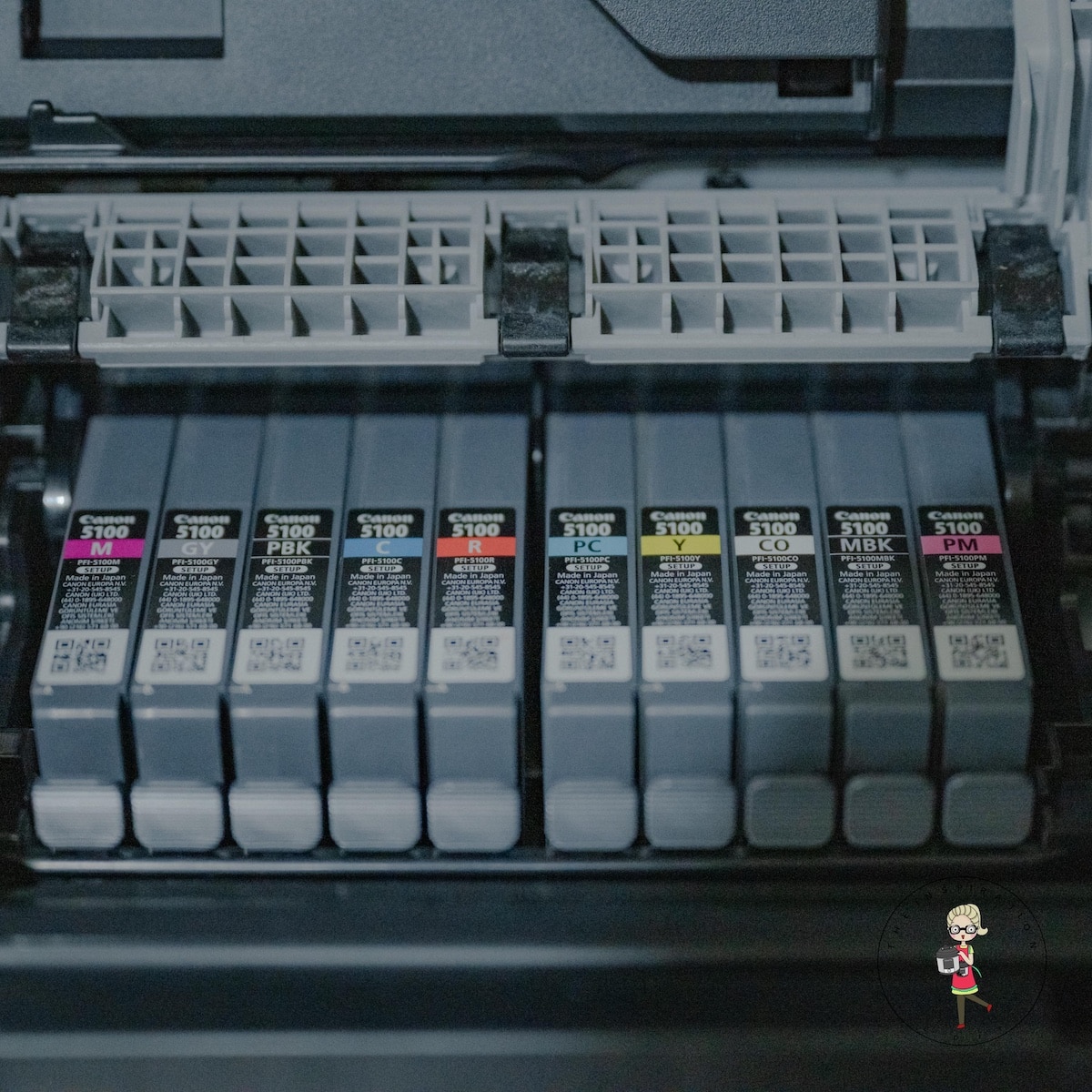
The printer uses a Lucia Pro ink system with eleven colours plus a dedicated Chroma Optimiser.
This allows the Pro-310 to handle vibrant colour work while maintaining neutrality in black-and-white prints.
Black-and-white specialists were particularly enthusiastic, citing clean gradients without colour casts and impressive uniformity across the page.
One noteworthy observation from long-term users is that colour consistency remains stable across large print runs.
This is essential for anyone producing work for exhibitions, gallery orders, or product sales where uniformity is non-negotiable.
Ease of Use and Workflow, Daily Experience from Photographers
Photographers tend to be split into two groups: those who enjoy technical tinkering and those who simply want reliable results without constant adjustments. The Pro-310 suits both.
Setup
Most users report that the initial setup is straightforward. Canon’s driver installation is clean, and the printer is recognisable by both macOS and Windows without fuss.
The software bundle includes Professional Print and Layout, which many photographers use as their standard interface for soft proofing and layout options.
Handling and media switching
Switching media types is quick, with minimal misfeeds when using the correct settings. Fine art papers glide through without the scratching or friction marks that cheaper printers sometimes produce. Roll feed installation is also easier than expected.
f you enjoy practical creative tools and printable resources, you may also like our popular kids’ emotions bingo printable, which continues to support readers looking for simple and engaging activities.
Maintenance
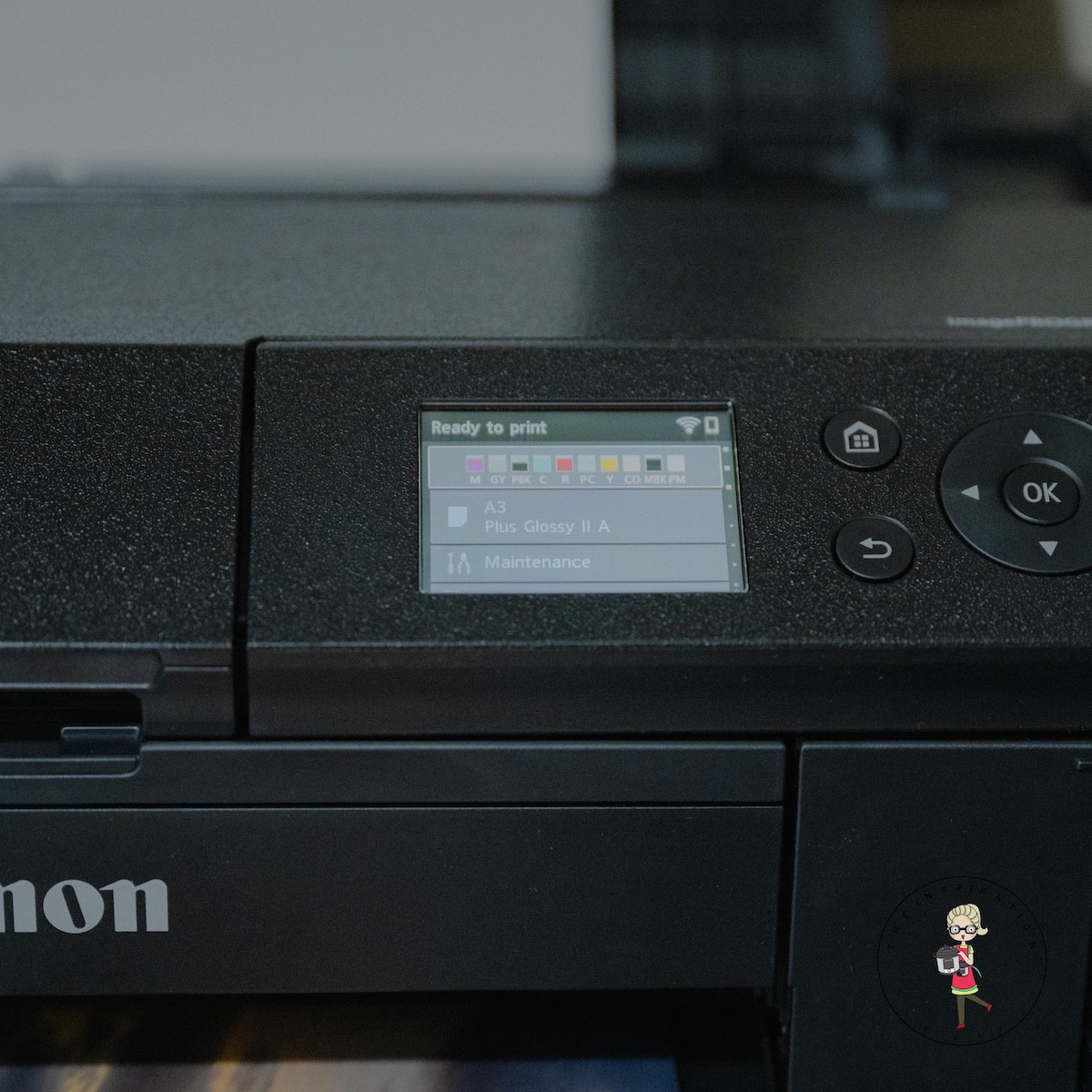
Cleanings are automated when needed, although heavy users recommend scheduling periodic manual checks to keep the print head in peak condition.
The print head is user-replaceable, which many photographers appreciate because it extends the unit's working life.
🤖 Looking For An Answer?
Ask AI to summarise this post to see if the article answers your questions:
Ink Costs and Running Costs for a Photography Business
Real cost is a major concern for photographers who sell prints. While the print quality is outstanding, the cost of running the Pro-310 must be weighed carefully.
Ink Costs
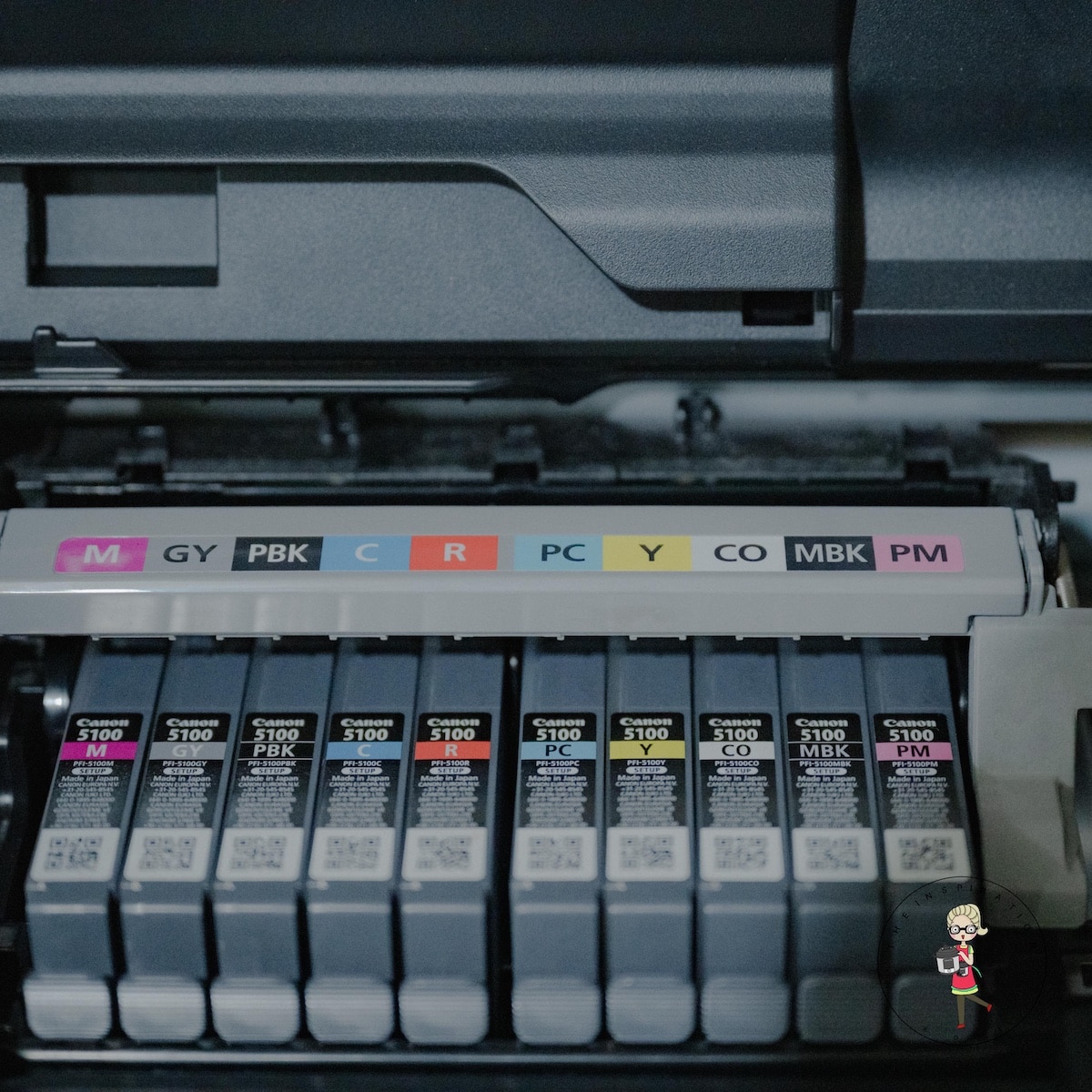
The Pro-310 uses eleven pigment inks plus Chroma Optimiser. UK prices vary slightly, but most cartridges fall in the £45-£50 range. With 12 cartridges, a full set costs roughly £540-£600. Or in New Zealand, $35 NZDollars each, which is $420 NZDollars.
The printer does not drain all the inks evenly. Photographers who specialise in black and white tend to burn through matte black and photo black more quickly.
Colour-heavy work causes stronger depletion of the cyan, magenta, yellow, and the deeper shades.
Cost per print
Users typically report the following approximate costs:
- A3 print, standard weight paper, £1.50 to £2.50
- A3+ fine art print on cotton rag, £3.50 to £6.00
- A2 print, usually £5.00 to £9.00 depending on ink coverage
- Roll prints vary significantly depending on paper type and client needs.
These figures include ink and paper but exclude labour.
New Zealand Dollar Costs for Photographers in NZ
Ink pricing for the Canon PFI 5100 Lucia Pro range in New Zealand is currently far more favourable than in many other regions, with most retailers selling individual cartridges for NZD 36.00 each. Since the Pro 310 uses twelve cartridges, a complete set totals NZD 432.00.
Paper costs still vary by brand and stock weight. Imported fine art papers, such as Hahnemühle and Canson, remain more expensive due to shipping, while Canon papers tend to offer better value and local availability. Based on typical reports from photographers in New Zealand, the following running costs are common:
- A3 print on standard photo paper, NZD 2.00 to NZD 3.50
- A3+ fine art print, NZD 4.50 to NZD 8.00 depending on the paper
- A2 print, usually NZD 8.00 to NZD 14.00
- Roll paper prints, often NZD 12.00 to NZD 22.00, depending on ink coverage and the media used
With the lower ink cost, New Zealand photographers enjoy better margins than many international studios.
A fine art A3+ print that costs around NZD 6.00 to produce often retails anywhere between NZD 55 and NZD 130, depending on your niche, your brand position, and the nature of the artwork.
A premium printing paper, Canon Pro Platinum A3 Photo Paper 300gsm x 20 Sheets is currently priced at $79.99 inc sales tax.
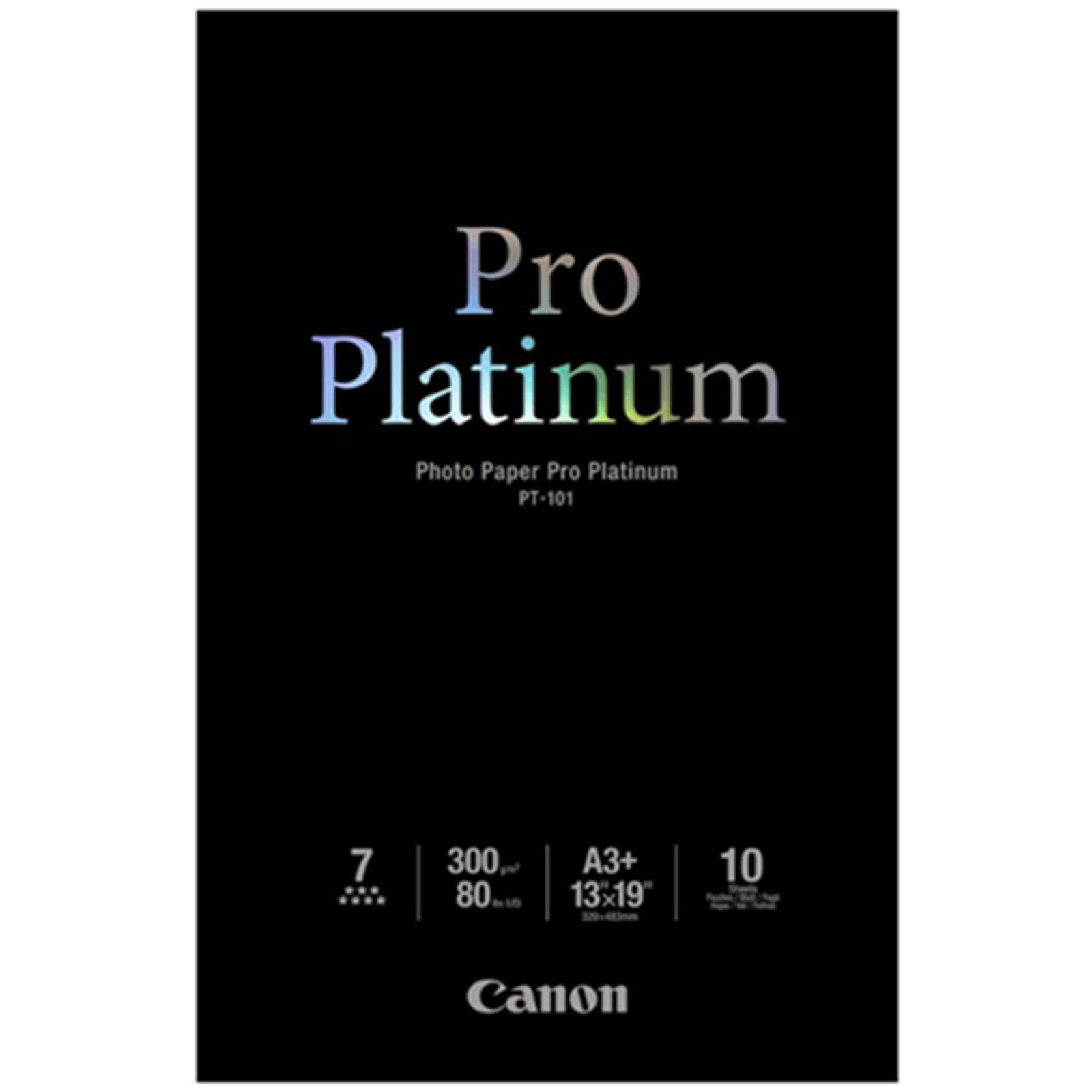
Studios that print regularly find that ordering paper in bulk from specialist New Zealand suppliers keeps costs stable and helps avoid price fluctuations, especially for textured and archival stocks.
For a photography business
For professional sales, margins remain strong. A fine art A3+ print that costs £4.00 to produce may sell for £35-£90, depending on your market and niche. A2 prints cost more but often yield even better profit margins.
For event photographers or portrait studios, consistency and reliability matter more than the highest possible margin. In these cases, the Pro-310 performs well because it produces repeatable results, reducing waste.
If you print a large volume of wide-format work, expect to replace inks regularly. Many heavy users describe the running costs as “reasonable for a pro pigment printer” rather than cheap.
Paper Compatibility and Media Performance
The Pro-310 supports a broad range of media, including gloss, lustre, baryta, archival matte, cotton rag, and thicker fine art stocks. Users report success with brands like Hahnemühle, Canson, Ilford, and Fotospeed.
What photographers liked most
- Almost no head strike issues when settings are correct
- Accurate surface reflection when using Chroma Optimiser
- Smooth gradients on matte papers
- Excellent detail retention on textured stock
What photographers found challenging
- Some ultra-thick fine art papers may require manual feeding
- Roll paper trimming is not automatic, so an external trimmer is useful
- Paper profiles must be installed accurately for third-party brands

Long-Term Reliability and User Concerns
There are three recurring themes in long-term reviews:
1. Ink usage
The Pro-310 performs automated maintenance cycles that can consume small amounts of ink.
Users who print infrequently notice this the most. If your printer sits idle, you may notice a gradual decline in ink levels without printing many pages.
2. Print head lifespan
Canon’s user-replaceable head system is widely appreciated. Print heads on these models usually last 18 to 36 months for moderate use, sometimes longer. Replacement heads cost approximately £350-£450, which should be factored into long-term budgeting.
3. Firmware and software updates
Canon updates are steady, and most users report smooth compatibility with modern editing software. Occasional Wi Fi connection issues are reported, but these are typically resolved with a direct USB connection or a router reset

Who This Printer Is Best Suited For
After examining a considerable range of user experiences, three groups benefit most from the Pro-310.
Fine art photographers
Those who sell gallery work, limited edition runs, or archival prints praise the consistency and deep tonal range.
Portrait and event photographers
The printer handles skin tones beautifully and recreates subtle highlights without shifting colour.
Small studios producing client-ready prints
The balance between speed, cost, and quality makes it an excellent investment for businesses that print on demand.
FAQ'S
Most photographers report that an A3 print costs roughly £1.50 to £2.50 on standard photo paper, and £3.50 to £6.00 on fine art stock. Costs vary with ink coverage and paper type. A full set of inks is usually £540 to £600.
Yes. The general consensus is that the Pro-310 produces prints suitable for gallery walls, art fairs, and commercial sale. Its eleven colour system and Chroma Optimiser deliver exceptional tonal control.
Canon papers work seamlessly, but photographers also report excellent results with Hahnemühle, Canson Infinity, Ilford Galerie, and Fotospeed. Thick fine art papers may require manual feeding.
Absolutely. Many small studios use it daily for client orders. The print quality and consistency help reduce wastage, and the running costs are manageable when prints are priced appropriately


Leave a Reply