

A new printer is a simple purchase, right? But when you begin to look, the options can be overwhelming. Whether you’re buying one for work or have one around the house every day, it may be worth slowing down and considering what you really need.
So before you press that “buy now” button, let’s explore what counts, everything from print quality to those extra features that can help make printing easier.
Jump to:
Know How You’ll Use Your Printer
If you tend to print a lot of text-based documents, the answer is definitely to get a laser printer.
But for photos, coloured graphs, or creative projects, an inkjet printer is generally better, as it blends colour well.
If you’ll be doing some light printing now and then, you should just find a small, inexpensive inkjet printer.
With high-yield ink or toner cartridges, you can print longer than ever between replacements.
Check Print Quality and Printing Speed
You’ll frequently hear this described in DPI (dots per inch); the higher the DPI, the sharper your prints will be. 600 DPI is fine for everyday use, but if you’re going to be printing detailed photos, you’ll need a higher resolution.
Laser printers are generally faster, so they’re good if you print a large volume of pages. Take note that inkjet printers used to be slower, but many of the newest models will surprise you.
Think About Long-Term Costs
It’s tempting to focus only on the price of a printer when you’re shopping, but replacement ink or toner can leave you in an expensive situation later.
For some, cartridges can cost almost as much as, if not more than, the printer.
That’s why it’s a good idea to look at the cost per page and how many pages a cartridge can print before you need to buy a new one, as you shop for your printer.
🤖 Looking For An Answer?
Ask AI to summarise this post to see if the article answers your questions:
Look for Smart Features and Connectivity
Many come with handy features that make printing from multiple devices easier. Wireless printing is one of the best; it lets you print straight from your phone, tablet, or laptop without any cables.
You might also want to check if it supports cloud printing through Google Cloud Print or Apple AirPrint.
If you work from home, features like scanning, copying, and duplex (double-sided) printing can boost convenience.
Check the Size, Design, and Noise
If your desk space is limited, go for a compact printer that fits neatly in a corner or on a shelf.
But if you’re running a small home office and need a multifunction printer, you prefer a larger model.
Some printers can be pretty loud, which can get annoying in a quiet room. Look for models with a “quiet mode” setting; this feature keeps things peaceful without slowing printing down too much.
Pay Attention to Paper Handling
A larger paper tray means you won’t have to refill it as often, which is great if you print regularly. If you print on different paper types, check that your printer can handle a range of sizes and materials.
You might also want automatic duplex printing, which prints on both sides of the paper.
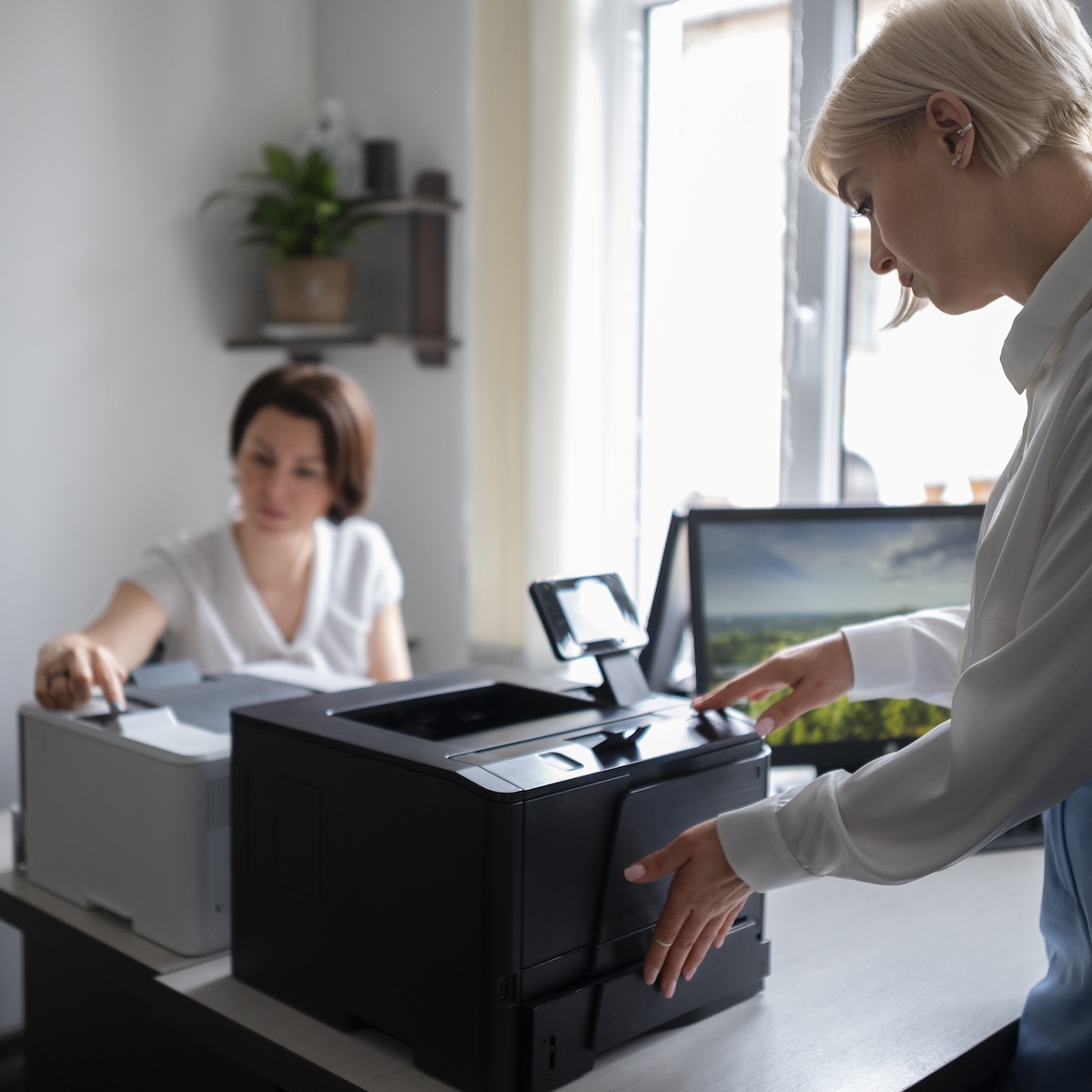
Brother printer includes multiple paper trays, making it easier to switch between different types of paper.
Choose an Energy-Efficient Option
An energy-efficient printer doesn’t just save money; it’s also better for the environment. Look for models with an Energy Star rating, which means they meet efficiency standards.
Many printers now include eco mode or automatic shut-off settings that help reduce power consumption when the printer isn’t in use.
Many printer brands have recycling programmes that make it easy to send cartridges back for proper disposal.


Picking the Right Printer for You
Buying a new printer is about finding one that actually fits how you work and print. Think about how often you print, what kind of documents or images you produce, and how much you’re willing to spend over time.
A dependable printer offers a good balance of performance, durability, and value. That’s why when you choose the right printer, you won’t just save time and money.




Leave a Reply