

Free online video editing made easy means you can create great content without spending a dime—or getting overwhelmed. Life moves fast. From school projects to birthday highlights, video helps capture special moments. You don’t need fancy software or a tech degree.
Just pick a user-friendly editor and start trimming, adding music, or dropping in text. It’s simple, fun, and totally doable—even on a tight schedule.
With so many tools available, you can achieve professional-looking edits without spending a dime.
Jump to:
- Finding the Right Free Online Video Editor
- Getting Started with Online Video Editing
- Editing Your Video: Cut, Trim, and Arrange
- Adding Text and Effects
- Incorporating Music and Sound Effects
- Finishing Touches: Review and Export
- Easy Sharing Options
- 🤖 Looking For An Answer?
- Learning from Others: Explore and Experiment
- Creating with Confidence
Finding the Right Free Online Video Editor
Choosing a suitable free online video editing tool can feel overwhelming due to the many options available.
However, certain features are common in top online video editors that you should look for when deciding which to use.
First and foremost, you want a platform that is user-friendly and doesn't require any advanced skills.
Look for editors with a drag-and-drop interface that allows you to upload your videos and arrange your edits easily.
Next, make sure the editor supports various video formats. A flexible editor can work with video files from your smartphone, camera, or any other source.
Some online tools also offer templates for specific projects, which can save you time and enhance the quality of your final product.
Riverside is another easy-to-use option worth exploring, especially if you’re recording videos before editing them. It lets you capture high-quality audio and video directly from your browser, even if your internet connection isn’t perfect. Once recorded, your files are ready to edit and share, making it a simple all-in-one solution for beginners and busy creators.
So, get started with your video editors free by Adobe Express today and watch your creativity flourish!
Getting Started with Online Video Editing
Now that you've chosen a free editor online, it's time to get started! The first step is to sign up for an account if required.
Many platforms offer a guest mode, which allows you to jump right in without creating an account. Once you're ready, log in and begin uploading your video files.
You'll typically find an "Upload" button prominently displayed on the homepage.
After uploading your videos, take a moment to familiarize yourself with the editing interface.
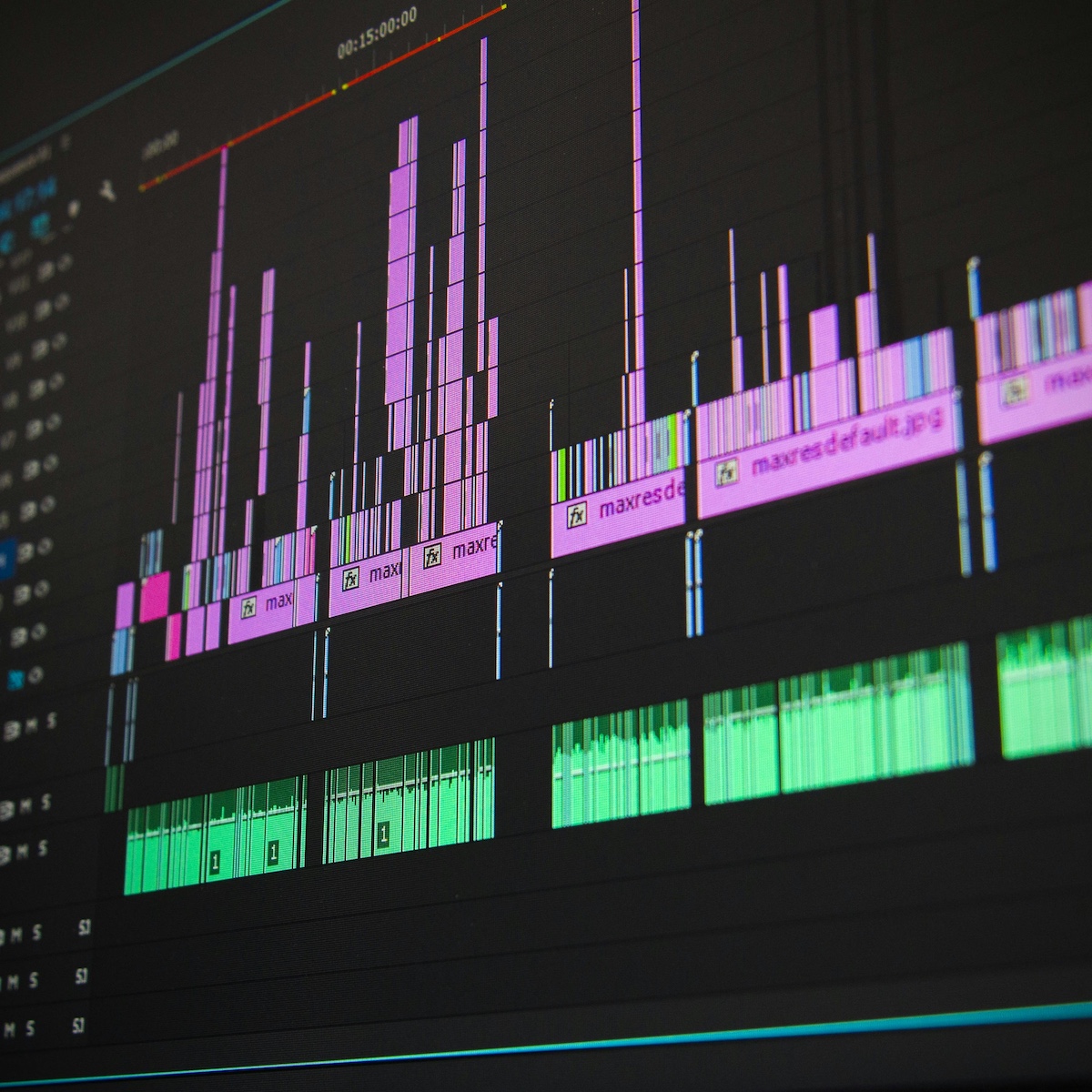
Look for a timeline at the bottom of the screen where you can drag and drop clips to arrange them in order.
Most editors allow you to trim your clips by selecting the edges of the video segment and moving them inward.
The right online video editor can reduce stress by simplifying the editing process, allowing you to focus on creativity rather than technical issues.
Editing Your Video: Cut, Trim, and Arrange
Editing is where the magic happens! Using your online editor, you can cut, trim, and arrange your video clips to tell the best story.
If you've recorded multiple scenes, ensure you review each clip for quality.
To cut unwanted parts, position the playhead on the timeline at the start of a troublesome section and use the scissors tool if it's available.
After cutting, you can delete the unwanted bits, keeping the content engaging.
Don't forget about transitions! Adding transitions between clips can make your video flow smoothly and keep viewers' attention.
Most free online editors will have various transition effects you can apply with ease.
Try experimenting with different transitions to see what feels right for your video's style.
Adding Text and Effects
Incorporating text can greatly enhance your video's message. Whether you need to add titles, subtitles, or credits, most online editors allow you to overlay text easily.
Choose fonts and colors that match your video's theme. For instance, a playful font may work well for a fun family video, while a sleek font could be more appropriate for a school project.
Special effects are another way to make your video stand out. Whether it's filters, motion graphics, or overlays, the right effect can elevate your project.
Just be careful not to overdo it; too many effects might distract viewers from your main content. Simple enhancements are often the most effective!
Incorporating Music and Sound Effects
Sound plays a critical role in video editing. Adding background music can set the tone and convey emotions that visuals alone might not capture.
Most free online editor platforms come with a library of royalty-free music tracks and sound effects.
Browse through the selections and find a piece that complements your video's mood.
As you add music, keep volume levels in mind. You typically want your background music to enhance the video, not overpower it.
Utilize audio settings within your editor to adjust levels, creating a pleasant balance between video, audio, and background music.
Finishing Touches: Review and Export
After completing your edits, take the time to watch your video in its entirety.
This review process allows you to catch any errors and make last-minute adjustments.
Look for places where the cut isn't smooth or where the audio needs adjusting.
Seeking feedback from a friend can also provide a fresh perspective.
When you're satisfied with the final product, it's time to export your video.
This process usually involves selecting a resolution and format that fits your needs.
Higher resolutions usually result in clearer video quality, but they also take up more storage.
Find a balance between quality and size, especially if you plan on uploading the video online.
Easy Sharing Options
Once your video is exported, sharing it is easier than ever. Most online video editors offer direct sharing options for platforms like YouTube, Facebook, and Instagram.
This feature eliminates the need for downloading the video to your device before sharing, streamlining the process.
If you prefer to save it for offline use, download the video to your device. Ensure you choose a file format recognized by most players for easier playback.
From there, you can upload it anywhere you like or share it with friends and family directly.
🤖 Looking For An Answer?
Ask AI to summarise this post to see if the article answers your questions:
Learning from Others: Explore and Experiment
As with any new skill, practice makes perfect. Don't be afraid to explore and try new techniques with your free video editor online.
Many platforms and creators share tutorials and tips, so take advantage of these resources.
Other users often post their work and workflows, which can inspire your creativity.
Take the time to experiment with different styles and techniques, discovering what resonates with you. Editing can be a fun and rewarding process, allowing you to express your ideas through visuals and storytelling.
- Parents Are Prioritising Breathable, Sustainable Fabrics For Children's Seasonal Sleepwear
- Our Homemade Christmas Printables, Made With AI: What Worked, What Didn't, and What I'm Saving for Next Year
- At-Home vs. In-Lounge IV Therapy in the Hudson Valley: Which Makes More Sense?
- Can Passengers Pursue Compensation After a Car Accident?



Creating with Confidence
Using a free video editor online can significantly reduce stress by providing easy access to tools that help you create beautiful videos in no time.
Whether you're editing a simple school project or crafting a memorable video for family events, understanding how to use these tools can open the door to endless creativity.
Remember, the key is to enjoy the process and learn as you go.
You can find more useful and interesting articles on our website. Be sure to visit us and read more.




Leave a Reply