

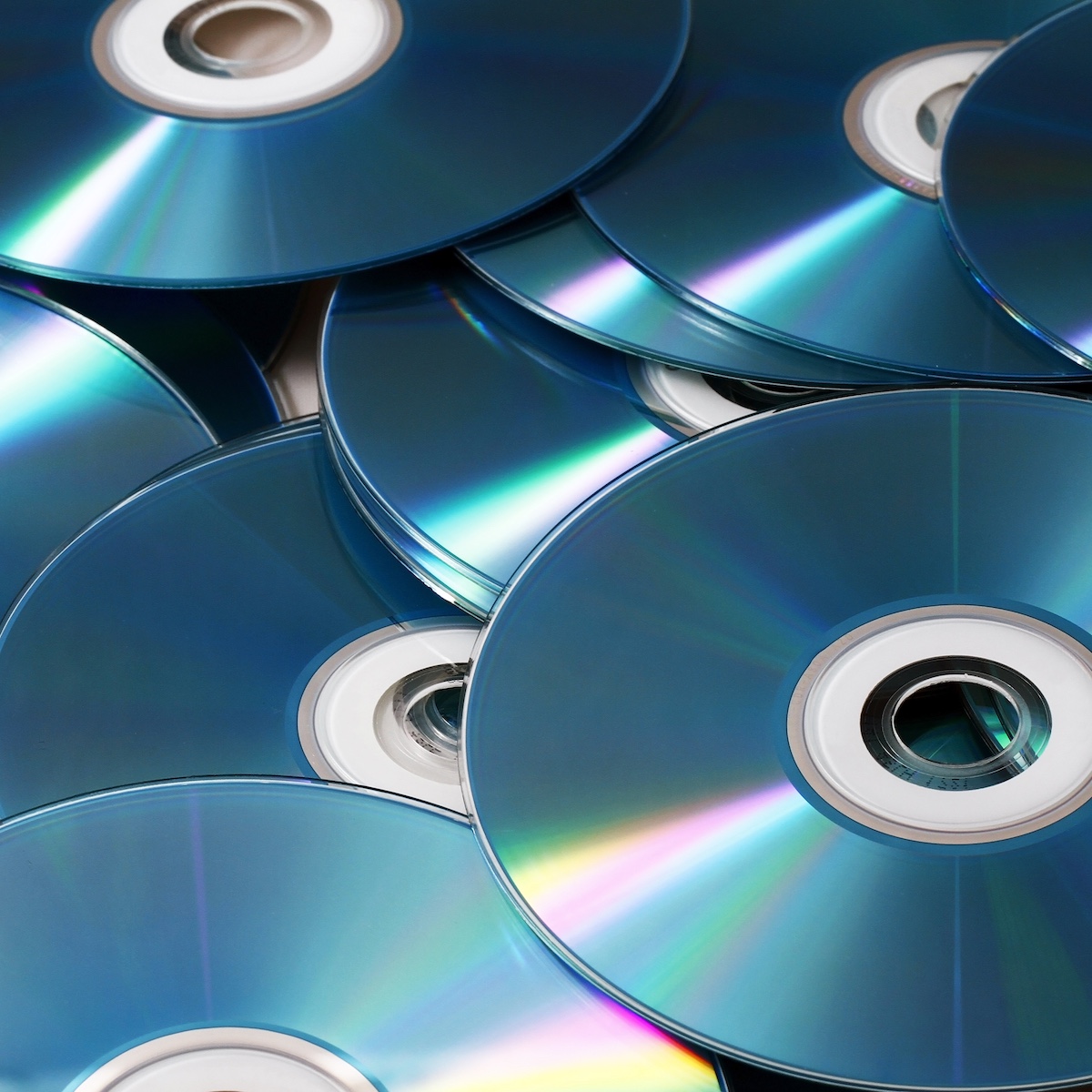
The best way to convert DVDs to digital is usually to transfer the video to an MP4 file, giving you a widely compatible format that is easy to watch, copy, organise and back up. You can do this yourself with a DVD drive and suitable software, or use a professional conversion service for valuable, damaged or large collections.
For most home-video DVDs, your main choices are:
- Convert to MP4: usually the most practical option for everyday viewing and sharing.
- Create an MKV file: useful when retaining multiple audio tracks, subtitles or other DVD content matters.
- Make a disc image or archival copy: useful where preserving the DVD's original structure is important.
- Use a professional transfer service: particularly useful for irreplaceable family recordings, problematic discs or larger collections.
The right approach depends on what is actually on your DVDs, their condition and how you want to use the recordings afterwards.
Jump to:
- Why Convert DVDs to Digital?
- What Digital Format Should You Choose?
- How to Convert a DVD to Digital Yourself
- Should You Use MP4 or Keep the Original DVD Quality?
- Can Scratched DVDs Be Converted?
- What About DVDs That Were Never Finalised?
- Common Mistakes When Converting DVDs
- How Should You Store Your Converted DVDs?
- Is It Legal to Convert Any DVD to Digital?
- DIY or Professional DVD Conversion?
- Frequently Asked Questions About Converting DVDs to Digital
- The Best Way to Preserve Important DVD Recordings
Why Convert DVDs to Digital?
DVDs once offered a convenient way to store family videos, weddings, holidays and camcorder recordings. Today, the problem is increasingly one of accessibility.
Many modern laptops no longer contain optical drives, while phones and tablets cannot read DVDs directly. Even where you still own a DVD player, relying on one physical disc as the only copy of an important recording is not a sensible long-term preservation strategy.
Converting the contents into digital files gives you much greater flexibility. You can store copies on a computer, USB drive or external storage device, maintain an additional backup and potentially use cloud storage as another copy.
The British Library notes that digitisation can help preserve material for the future and make collections more accessible. Similarly, The National Archives' guidance on digital preservation emphasises continued access to digital information rather than simply creating a digital file and forgetting about it.
Digitising a DVD is the beginning of preservation, not the end.
What Digital Format Should You Choose?
| Format | Best suited to | Main advantage | Consideration |
| MP4 | Everyday viewing and sharing | Excellent device compatibility | Usually involves video encoding |
| MKV | More complex DVD contents | Can accommodate multiple tracks and subtitles | Not as universally convenient as MP4 |
| Disc image | Archival or specialist use | Can preserve disc structure | Larger and less convenient for everyday viewing |
| Original DVD files | Technical/archive purposes | Retains original DVD data | Awkward to organise and play on some devices |
For a broader explanation of the available options, our guide to moving recordings from discs into modern digital formats covers the process in more detail.
How to Convert a DVD to Digital Yourself
1. Check the DVD First
Before doing anything else, play the disc. Check that the DVD loads correctly, the complete recording is present, the picture does not freeze repeatedly, the audio remains synchronised, menus and chapters work if important, and the disc is reasonably clean and undamaged.
2. Connect a DVD Drive
If your computer has an internal DVD drive, you may already have everything required to read the disc. Otherwise, an external USB DVD drive is a simple solution.
3. Choose Suitable Conversion Software
Programs such as HandBrake, VLC and MakeMKV are commonly used for working with readable DVDs, although their purposes and capabilities differ.
4. Select the Correct Recording
A DVD can contain more than one video title. Do not automatically assume that the largest file or first title displayed by your software is everything you need.
5. Choose Your Output Settings
For normal viewing, MP4 with a widely supported video codec is generally a sensible choice. Avoid automatically increasing the resolution simply because the software allows it.
6. Convert and Check the Entire File
Once the conversion has finished, check the beginning, several points throughout, the end, speech and music, picture movement, aspect ratio and audio synchronisation.
Should You Use MP4 or Keep the Original DVD Quality?
If your objective is preservation, retaining an original-quality extraction or archival copy as well as producing a convenient MP4 can make sense for especially important material.
Preservation copy: retained as your best practical representation of the source.
Access copy: an MP4 designed for convenient everyday watching, sharing and use on modern devices.
Can Scratched DVDs Be Converted?
Sometimes. Minor surface marks do not necessarily make a DVD unreadable, but severe scratches, deterioration or damage to the data layer can result in freezing, missing sections or complete read failure.
This is one situation where professional DVD-to-digital conversion becomes particularly useful.
What About DVDs That Were Never Finalised?
Some recording systems required the user to finalise a disc before it could be played reliably in another DVD player or computer.
Common Mistakes When Converting DVDs
Compressing the Video Too Heavily
Smaller files are convenient, but unnecessarily aggressive compression can introduce visible artefacts and lose detail.
Converting Only the Main Title
A DVD may contain several recordings. Check the whole disc before assuming the longest title is the only material worth preserving.
Throwing Away the Disc Immediately
Do not dispose of the source DVD simply because one digital copy has been created.
Assuming Digital Means Permanent
Digital files can also disappear through accidental deletion, drive failure, corruption or obsolete storage.
Forgetting File Names
Use meaningful names including year, event, people or location where known.
How Should You Store Your Converted DVDs?
For important family recordings, avoid keeping your sole digital copy on the computer used for the conversion. Maintain copies in different locations or on different storage systems.
Is It Legal to Convert Any DVD to Digital?
There is an important difference between your own recordings and commercially produced copyrighted material. Do not assume that owning a physical DVD automatically gives you unrestricted rights to copy, alter or distribute its contents.
DIY or Professional DVD Conversion?
DIY conversion works particularly well when you have a small number of readable home-video DVDs, suitable equipment and enough time to check the results properly.
Professional conversion becomes more attractive when the recordings are irreplaceable, discs are scratched or unreliable, you have many DVDs, discs contain unusual structures, or you want consistent file naming and output.
Frequently Asked Questions About Converting DVDs to Digital
What is the best format for converting old DVDs?
For most people, MP4 provides the most useful balance of quality, manageable file size and compatibility with modern televisions, computers, phones and tablets.
Does converting a DVD to MP4 improve the picture?
Not inherently. Conversion can make the recording more convenient to use, but it cannot create genuine picture information that isn't present on the DVD.
Can I put my converted DVDs onto a USB stick?
Yes. Once the recordings have been converted into suitable digital files, they can normally be copied onto a USB storage device with sufficient capacity.
Should I keep my DVDs after conversion?
For important personal recordings, yes, at least initially.
Can old DVDs deteriorate?
Yes. Physical discs can become unreadable through scratches, contamination, physical damage or deterioration.
- Parents Are Prioritising Breathable, Sustainable Fabrics For Children's Seasonal Sleepwear
- Our Homemade Christmas Printables, Made With AI: What Worked, What Didn't, and What I'm Saving for Next Year
- At-Home vs. In-Lounge IV Therapy in the Hudson Valley: Which Makes More Sense?
- Can Passengers Pursue Compensation After a Car Accident?



The Best Way to Preserve Important DVD Recordings
For a handful of healthy home-video discs, converting DVDs yourself can be perfectly practical. For a large collection, unusual discs or irreplaceable family recordings, professional conversion may be more appropriate.
Where the recordings cannot be replaced, ultimately it makes sense to choose a professional company with years of experience handling personal media collections, such as Supaphoto Ltd, rather than taking unnecessary risks with the only surviving copy.



Leave a Reply