

Solid brands are built on sharp ideas, hard work, and constant polish. New software now helps turn those concepts into real marketing materials much more quickly.
In 2026, these tools are part of the mundane, giving small stores a realistic way to keep their look consistent and permanent without hiring a big design team.
These platforms do more than generate a logo. They help manage fonts, colors, layouts, and branded assets across different materials.
What started as a design shortcut is now part of the broader marketing workflow for many businesses.

Jump to:
- Why Brand Design Matters More Today
- What Actually Makes Modern Brand Design Work
- Starting With the Brand Basics
- Shaping the Main Visual Elements
- Putting the Identity Into Real Use
- Keeping the Brand Consistent
- How AI Brand Design Differs From Traditional Design
- Zawa’s Role in Brand Development
- Supporting Long-Term Brand Work
- Turning Early Ideas Into a Working System
- Building the Core Identity
- Applying the Brand Across Materials
- Supporting Everyday Marketing Updates
- Guided Brand Input
- Built-In Brand Guidelines
- Consistent Use Across Print and Digital Materials
- Editable Files for Daily Use
- Organized Brand Asset Storage
- Testing Zawa with Brand Designing
- Pros and Cons of AI Branding Design
- Pros
- Cons
- What to Look for in an AI Branding Platform
- A Platform That Does More Than Basic Design
- Print-Ready Files That Work Off the Screen
- Flexible Tools That Leave Room for Your Own Style
- One Spot to Keep Everything Organized
- A System Built to Stay Steady Over Time
- Conclusion
Why Brand Design Matters More Today
Modern companies now update their look on websites, menus, signs, and social media platforms often than they used to back in the day.
Old design methods can be hard to maintain, especially for small groups, which is why AI branding tools have become helpful and easier for daily marketing tasks.
Smart design software helps fix several old issues in a few seconds. It speeds up the move from a scratch idea to a finished product, cuts down on mismatched styles, and helps small teams build colorful graphics that look professional instead of rushed.
Once a logo and main style are set, these layout tools help businesses use those same design rules without starting over.
This ultimate shift helps explain why AI branding tools are no longer treated as novelties. They now fit into everyday workflows.
What Actually Makes Modern Brand Design Work
AI brand design works because it focuses on systems rather than isolated outputs. The following elements form the foundation of most platforms in this space.
Starting With the Brand Basics
Everything starts with the main brand details, like the name, the industry, the style, the audience, and some visual ideas. This sets a clear path right away, so the finished look feels intentional and useful instead of just looking like a random decoration.
Shaping the Main Visual Elements
Once the direction is set, the main visual elements start to work. This usually includes the logo, color palette, and typography. These are typically not treated as separate pieces. They are built to work together, so the brand looks consistent across different formats and materials.
Putting the Identity Into Real Use
How a brand looks must do far more than just sit in a single file. This is why the design is put on actual things like signs, menus, boxes, and websites. This part proves if the style is useful, easy to change, and tough enough for daily work.
Keeping the Brand Consistent
After the brand assets are created, they need to stay organized and easy to reuse. Storing them in one place helps teams apply the same design rules across new materials. This keeps the brand from drifting over time and makes future updates easier to manage.
How AI Brand Design Differs From Traditional Design
Old-style branding often takes more manual work, while using an AI brand design gives shops a quicker way to make matching designs, keep styles the same, and handle changes for print, web, and ads with much less trouble.
| Area | Traditional workflow | Platform-assisted workflow |
| Starting point | Often begins with manual briefs and separate rounds of design | Begins with brand inputs that guide multiple outputs |
| Asset creation | New assets may require repeated design requests | Teams can generate and adapt assets from the same system |
| Consistency | Depends heavily on manual checks | More consistent when assets follow shared rules |
| Speed | Slower when many formats are needed | Faster for routine updates and repeated content |
| Cost control | Can rise quickly with outside support | Easier to manage for small teams with regular needs |
| Flexibility | Strong for highly custom work | Best when paired with clear brand direction |
Zawa’s Role in Brand Development
Zawa(Formerly X-Design) fits into this newer generation of branding platforms. It is built to support long-term brand development rather than one-time asset creation.
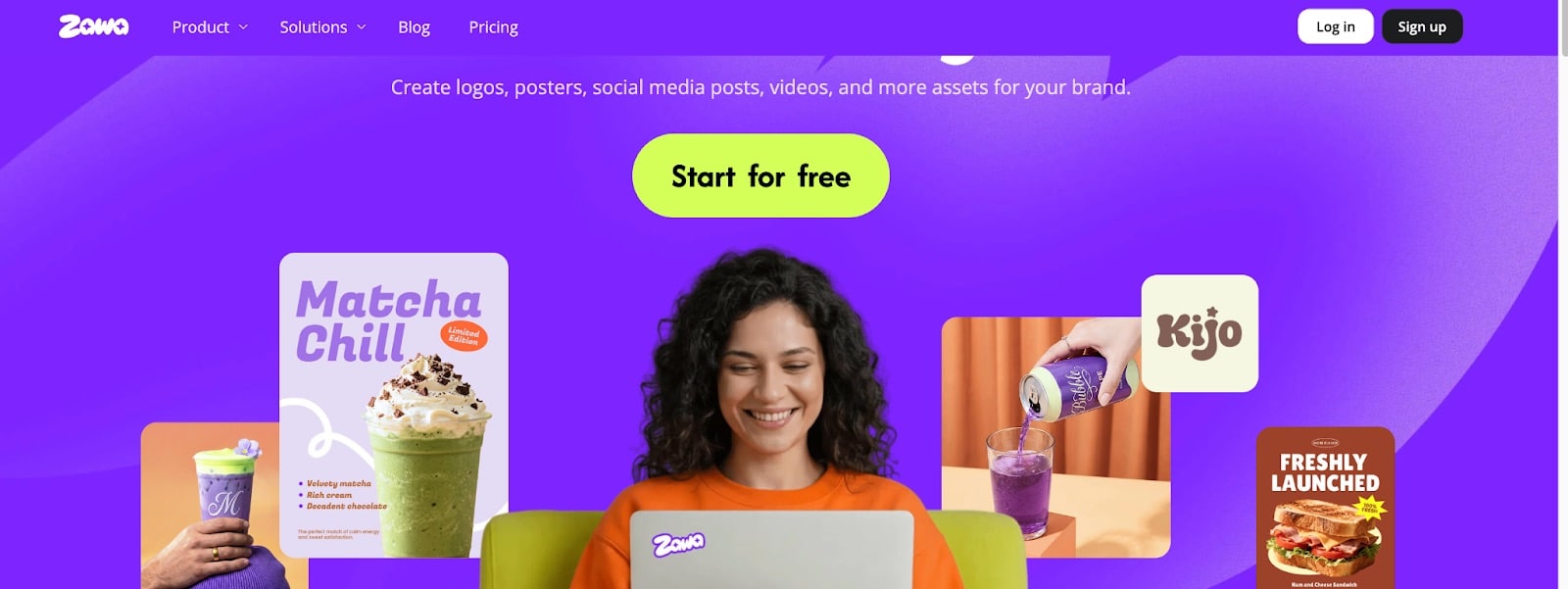
It helps turn early brand ideas into complete identity systems that generates logos. Names, stories, and rough concepts can be developed into visual outputs that stay consistent across different uses.
Supporting Long-Term Brand Work
Zawa fits into a newer group of branding platforms built for ongoing brand development rather than one-off asset creation. It gives businesses a way to shape, apply, and refine a brand over time instead of treating branding as a single design task.
Turning Early Ideas Into a Working System
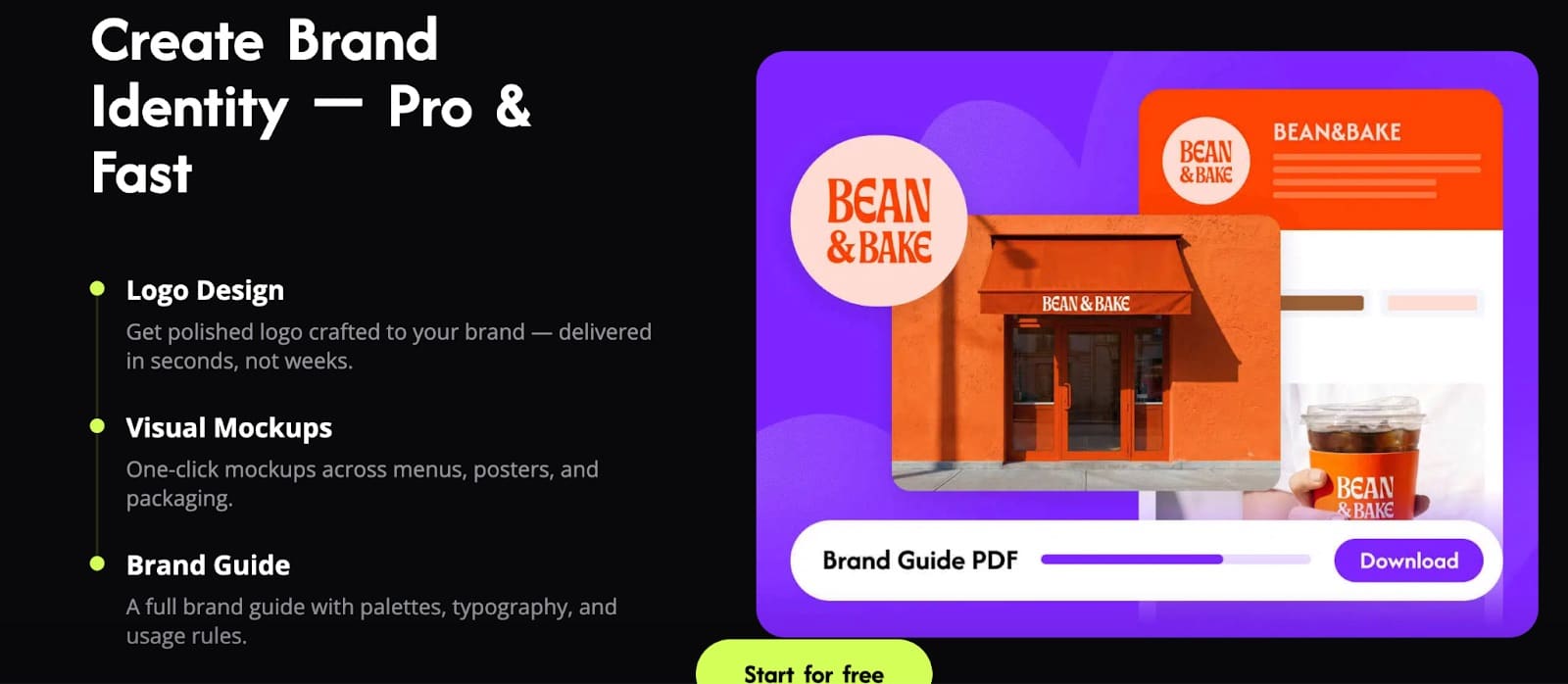
It helps move early ideas into a more complete identity system. Brand names, backstory, tone, and rough concepts can be developed into visuals that stay connected across different uses, which makes the brand feel more stable from one format to the next.
Building the Core Identity
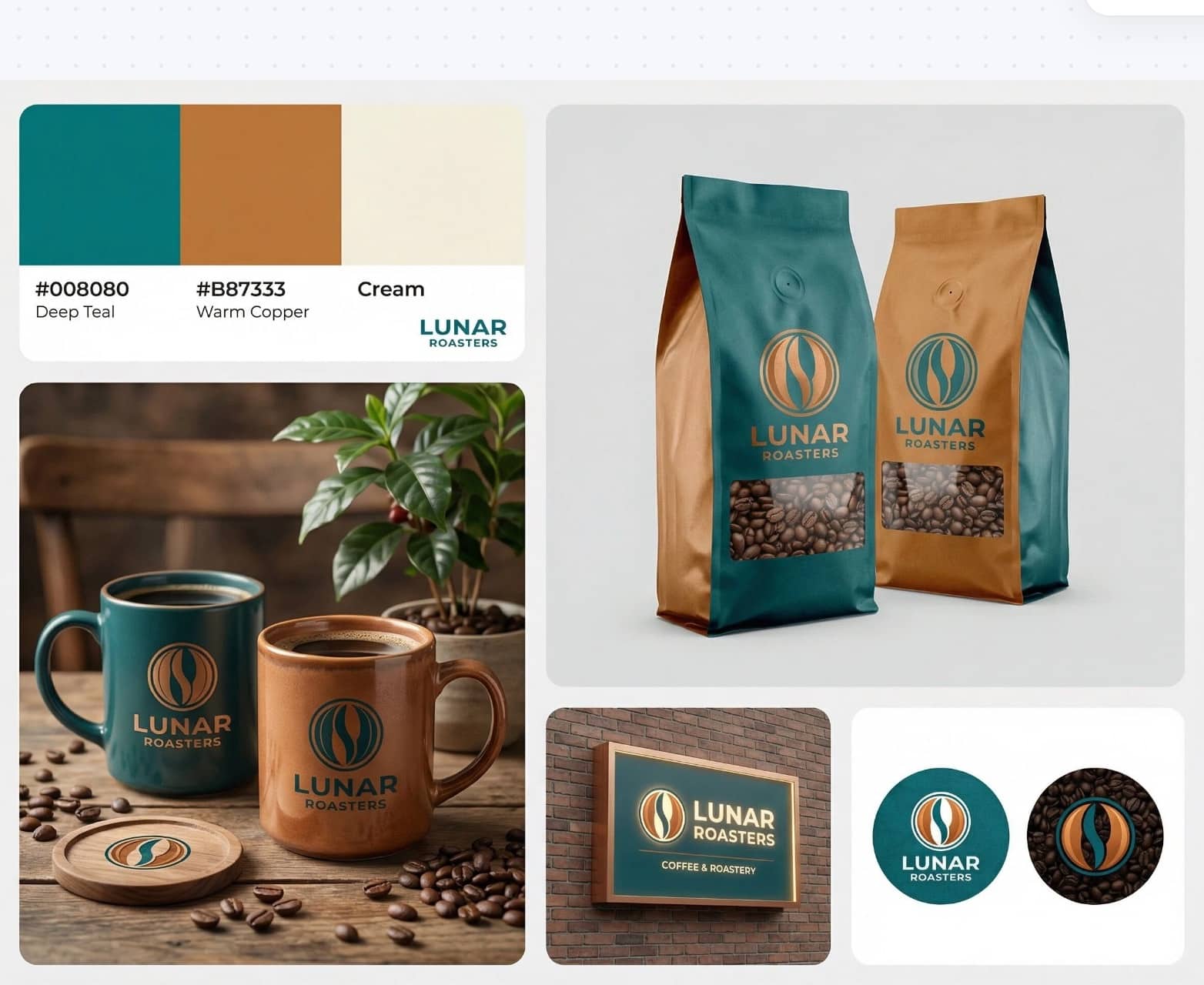
Zawa creates logos, color systems, and typography sets that are meant to work together. Instead of producing one isolated file, it gives businesses a set of core visuals that can support a broader brand presence.
Applying the Brand Across Materials
The same design logic can be carried into store layouts, menus, signage, packaging, and promotional materials. This makes it easier to see how the identity holds up in actual business use rather than only in sample designs.
Supporting Everyday Marketing Updates
The platform also helps with regular updates. Signs, menus, and promotional pieces can be revised more easily when the source files are layered and reusable, which saves time and helps the brand stay consistent.
Guided Brand Input
The setup is based more on brand direction than on technical design controls. That makes the process easier for businesses that know how they want to be seen but do not want to build every visual element manually.
Built-In Brand Guidelines
As the identity takes shape, the platform helps organize the main rules behind it. This gives teams a clearer structure for using the brand across future materials without relying on separate documents for every update.
Consistent Use Across Print and Digital Materials
Company designs work for both print and online files using a single system. This helps stop mismatched looks between packaging, shop signs, social media, and all other brand materials.
Editable Files for Daily Use
The results are built to be used, not just looked at. Editable files help your team tweak things quickly without having to redo everything from the start.
Organized Brand Asset Storage
Keeping brand files in one spot makes daily tasks much simpler. When logos, colors, and layouts are kept together, a business can keep its look steady as the company grows.
Testing Zawa with Brand Designing
Here’s how to use Zawa for brand designing:
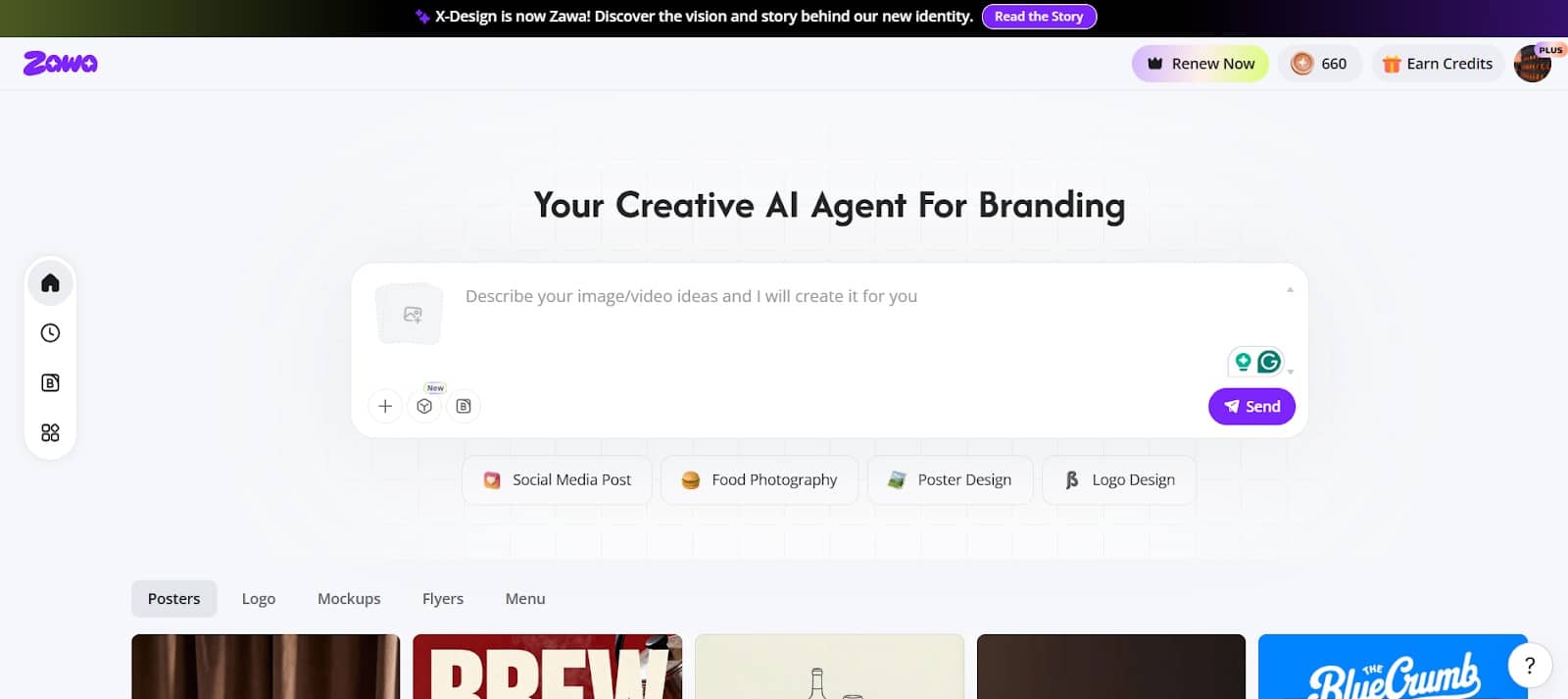
1. Visit Homepage
Go to Zawa’s workspace and create an account. The best part is you can sign up for free!
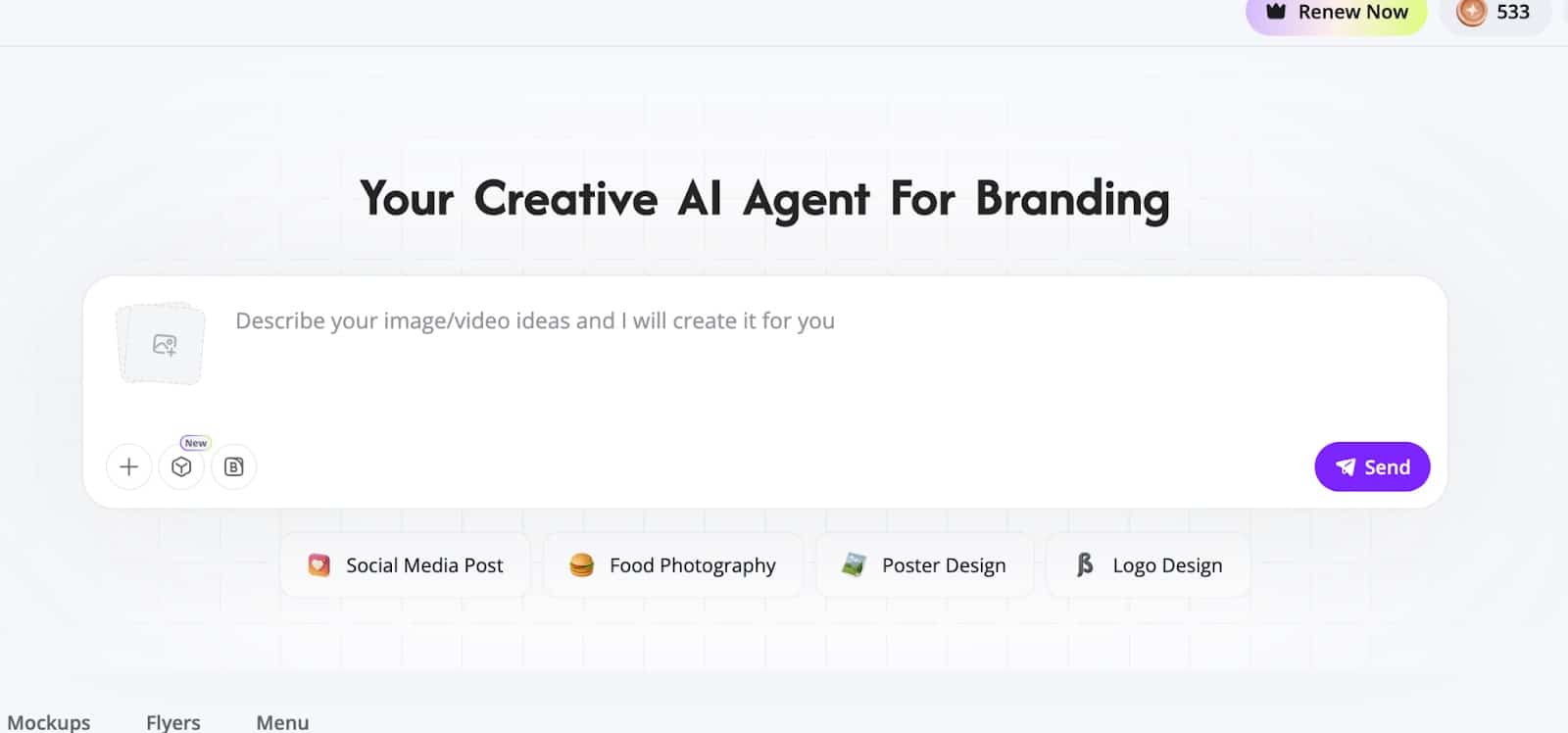
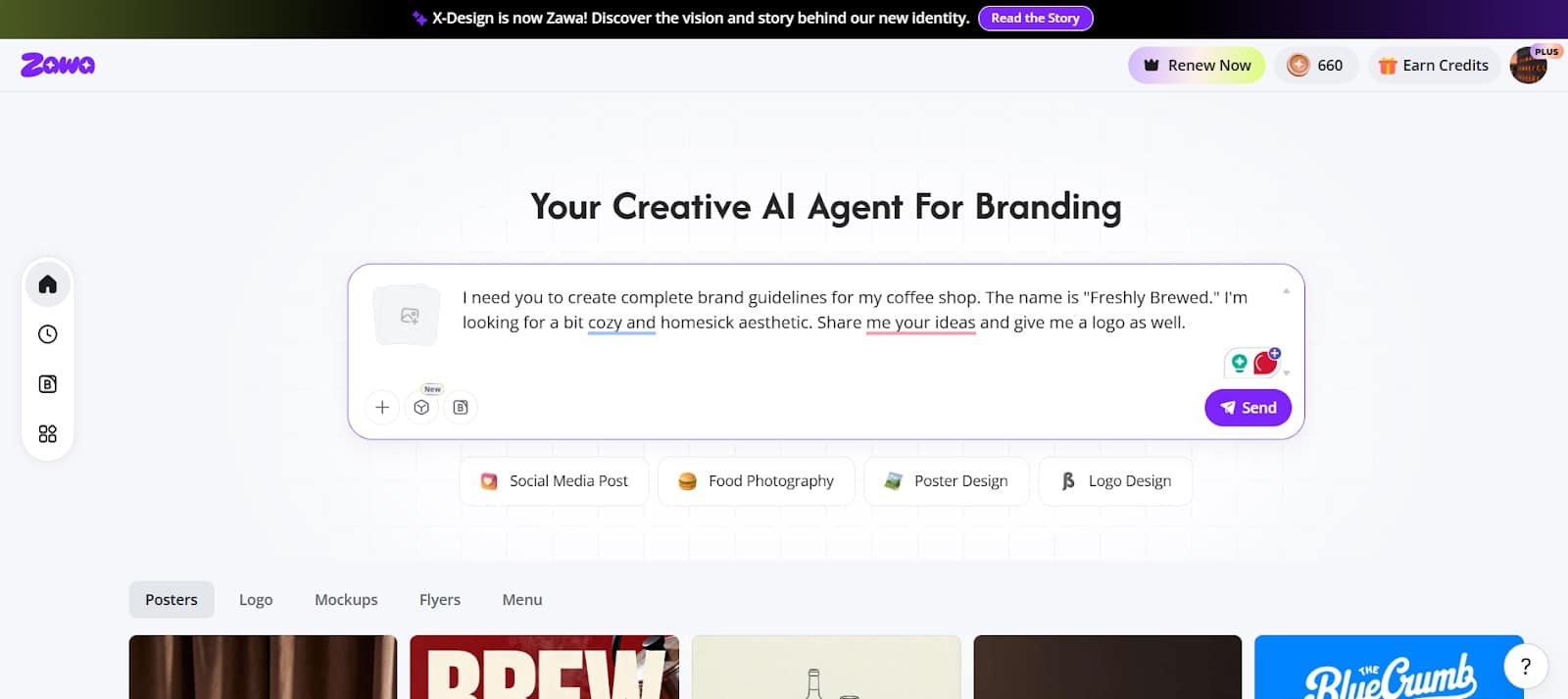
2. Describe Your Ideo for Branding
Use the interface to type your thoughts. It doesn’t have to be perfect, but the more details you give to it the better result it will bring.
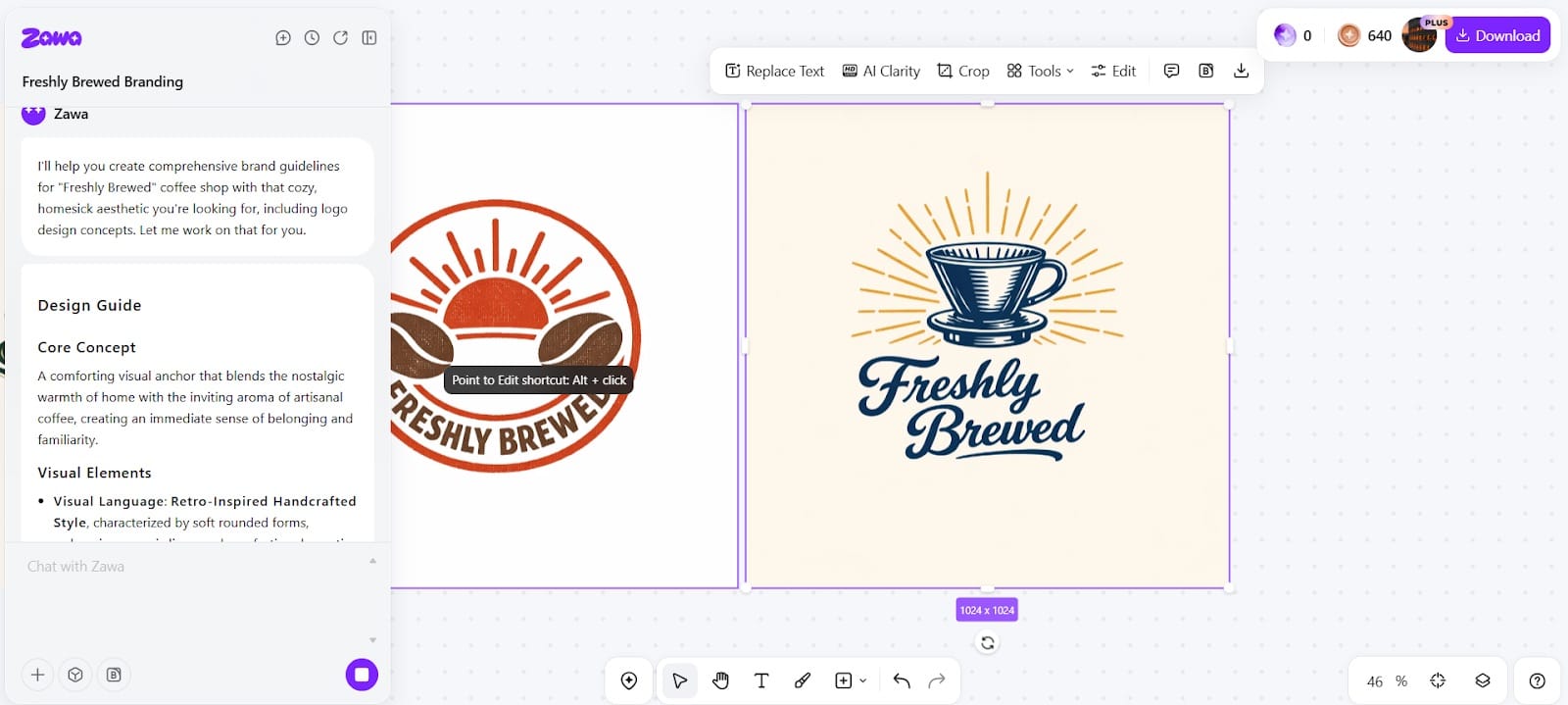
3. Let Zawa Brainstorm and Process
Pick a concept that suggests getting the output you require.
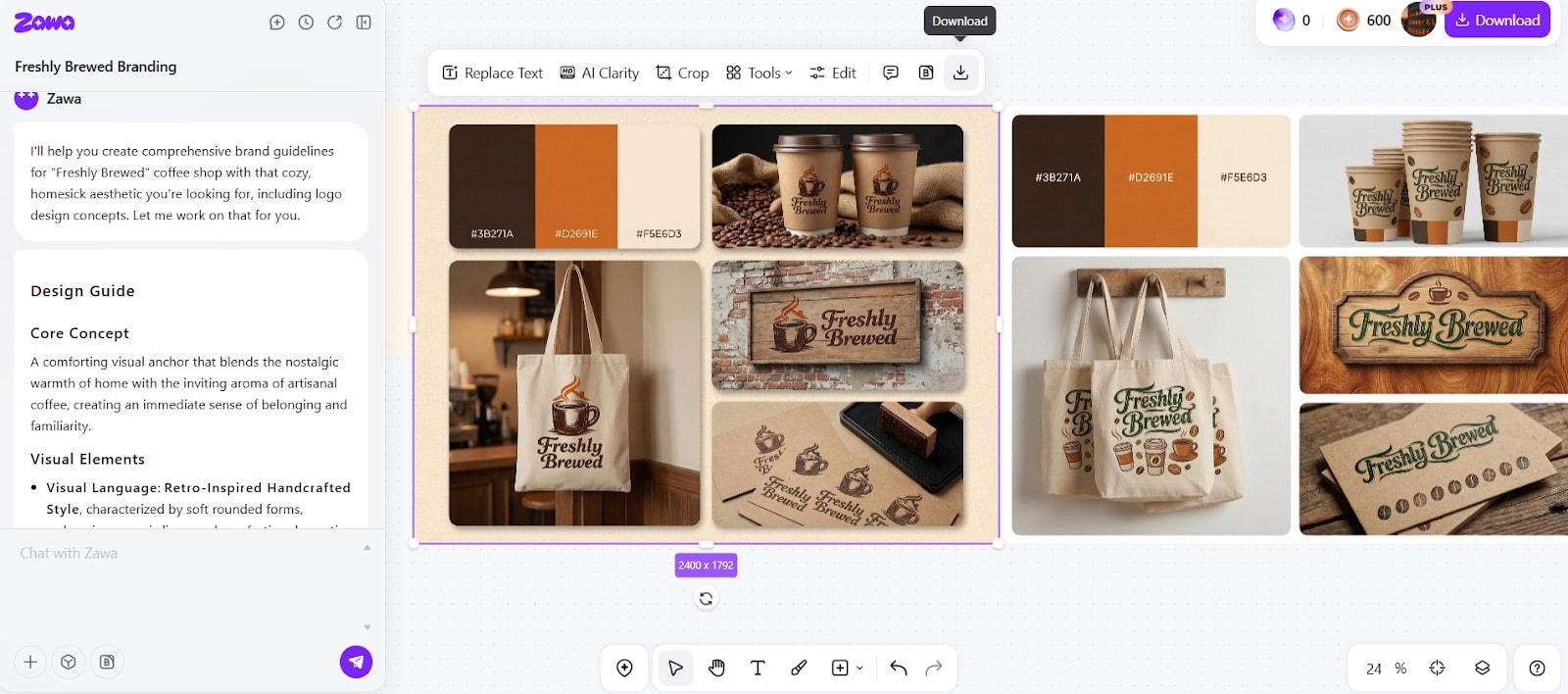
3. Confirm and Download
Once you’ve confirmed your design, you can download it by right-clicking and choosing download.
Pros and Cons of AI Branding Design
AI branding tools offer clear advantages, but they also involve trade-offs that businesses should consider.
Pros
- Faster turnaround from idea to usable assets
- Lower cost compared to agency-led branding
- Improved consistency across materials
- Accessibility for non-designers
- Easier experimentation with visual directions
Cons
- Limited control over highly custom illustration work
- Risk of over-reliance on default styles if inputs lack clarity
- Requires thoughtful brand direction to avoid generic outcomes
Strong results still depend on clear positioning and intent.
What to Look for in an AI Branding Platform
Picking the right branding software means hunting for the tools that help keep your look steady, easy to edit, and useful for daily tasks across every part of your business.
A Platform That Does More Than Basic Design
It is not a game to be impressed by shiny previews and quick designs, but those things alone do not make a branding tool useful.
A strong system should help a business build a full set of rules rather than just making single images.
That means it should handle everything from logos to colors to fonts, and layouts to ads, so they work together instead of clashing.
Print-Ready Files That Work Off the Screen
Many tools look good on a computer but fail when the files need to be printed. That can be a big problem for shops that need menus, boxes, posters, signs, or other physical items.
A good branding platform should make it simple to create files that look right outside of a digital preview, so the brand stays the same for both print and online use.
Flexible Tools That Leave Room for Your Own Style
Strict templates might save time, but they can also make different businesses look too similar and repetitive.
A useful platform should give teams enough freedom to shape their look around their own footprint rather than forcing everything into the same mold.
This matters when a business wants to stand out and avoid looking generic or like everyone else.
One Spot to Keep Everything Organized
Branding work gets complicated to manage when files are stuck in different areas. Having one central space for logos, colors, layouts, and video files makes daily work much stress-free.
It helps teams find what they need efficiently, use the same style rules for different projects, and cut down on mistakes from using old or lost files.
A System Built to Stay Steady Over Time
The most useful platforms are the ones that help a business stay consistent for years. Most companies need to update their materials often.
A platform built for the long haul makes it smooth to keep the same and consistent style for new ads, seasonal sales, print items, web content, and any future updates.
- Parents Are Prioritising Breathable, Sustainable Fabrics For Children's Seasonal Sleepwear
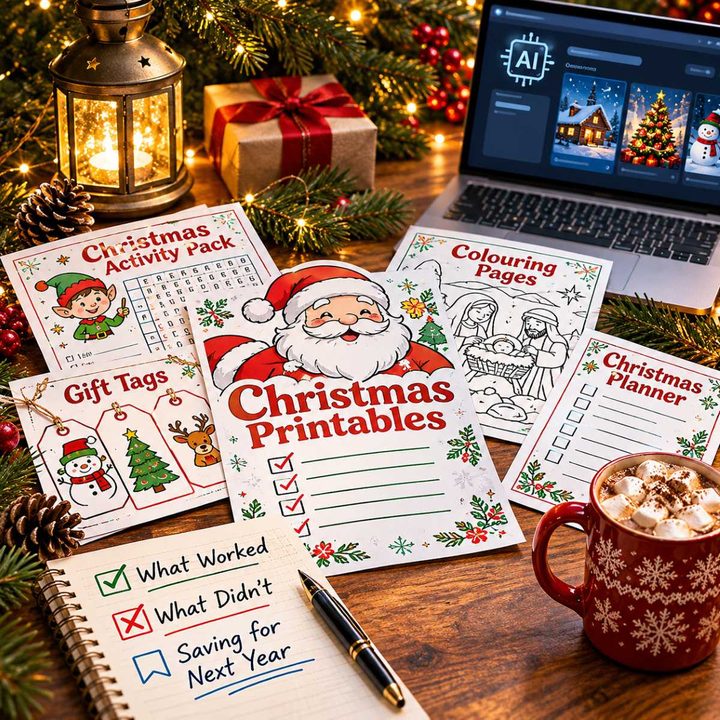
- Our Homemade Christmas Printables, Made With AI: What Worked, What Didn't, and What I'm Saving for Next Year
- At-Home vs. In-Lounge IV Therapy in the Hudson Valley: Which Makes More Sense?
- Can Passengers Pursue Compensation After a Car Accident?



Conclusion
Design tools are interlinked together into sales and planning, which helps companies keep their brand across ads and video.
Zawa shows this shift by making it easier to use brand assets in daily tasks without adding extra workload.
Branding isn't just a one-time project anymore, and tools like this help businesses stay productive and keep their identity consistent over time.



Leave a Reply